How to Join the Creeplands Server 0 0
Joining Creeplands is a simple process that can be done in a few easy steps. This guide will walk you through the process of joining our server using the latest Java Minecraft version.Step-by-Step Guide
Launch Minecraft: Start the Minecraft application on your device. Make sure you're using the latest Java version of Minecraft for the best experience.
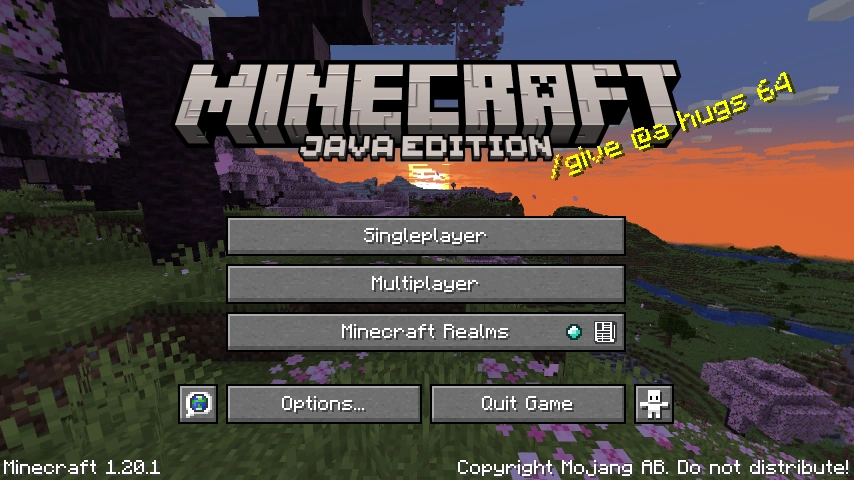
Go to the Multiplayer tab: From the main menu, click on the "Multiplayer" option.
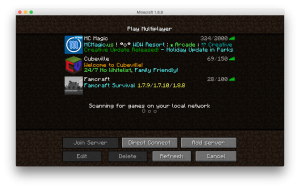
Add Server: In the Multiplayer menu, click on the "Add Server" button.
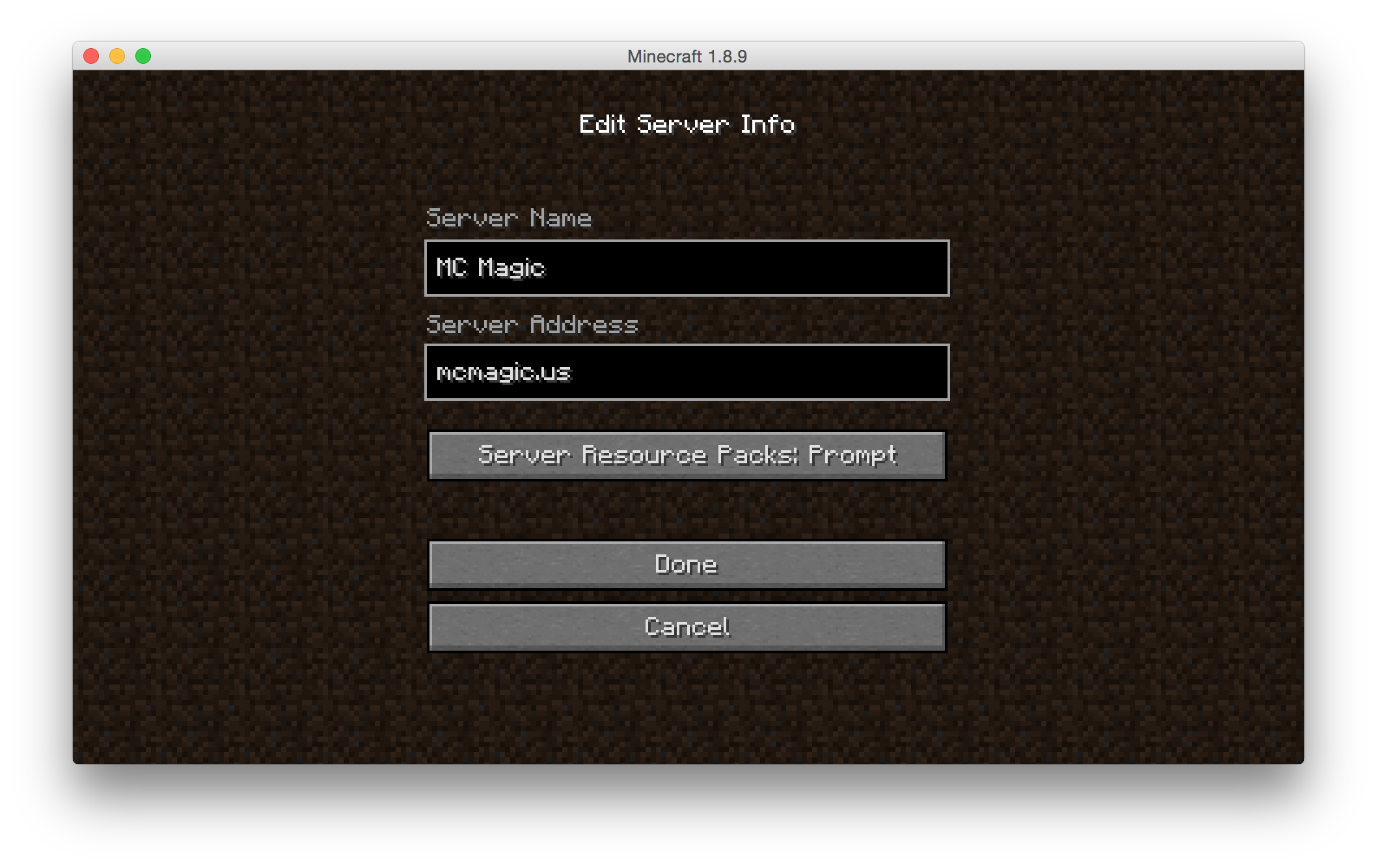
Enter Server Details: A new window will open asking for the server name and server address. You can name the server as you wish, this won't affect your ability to connect to the server.
For the server address, enter the Creeplands IP:
*Note that the IP is not case-sensitive.
Save and Connect: Click "Done" to save the server details. You will be taken back to the server list. Find the Creeplands server in the list (it should have green bars on the right), click on it, and then click "Join Server".
Congratulations! You should now be connected to the Creeplands server. If you encounter any issues during this process, please refer to our "Troubleshooting and Technical Support" section for assistance.